It is 7am and the delivery is in. The chef counts the cases between two prep jobs, signs the delivery note on the edge of the pass and heads back to the kitchen. Three weeks later the invoice reaches head office: accounts checks the supplier, the total and the VAT, then schedules the payment. Nobody, in between, has checked that the quantities invoiced are the ones delivered, or that the prices are the ones agreed when the order was placed. A three-way match is the simplest control in purchasing. It is also one of the least practised — line by line, at least.
What is a three-way match?
Each document tells part of the story. None of them is enough on its own.
| Document | What it proves | Who produces it | What it does not tell you |
|---|---|---|---|
| Purchase order | What you asked for, how much, at what price | You, or your ordering tool | What was actually delivered |
| Delivery note | What was handed over, and any issues noted on receipt | The supplier, signed by your team | The price, sometimes missing or indicative |
| Invoice | What you are being asked to pay | The supplier | Whether the goods arrived, and in what condition |
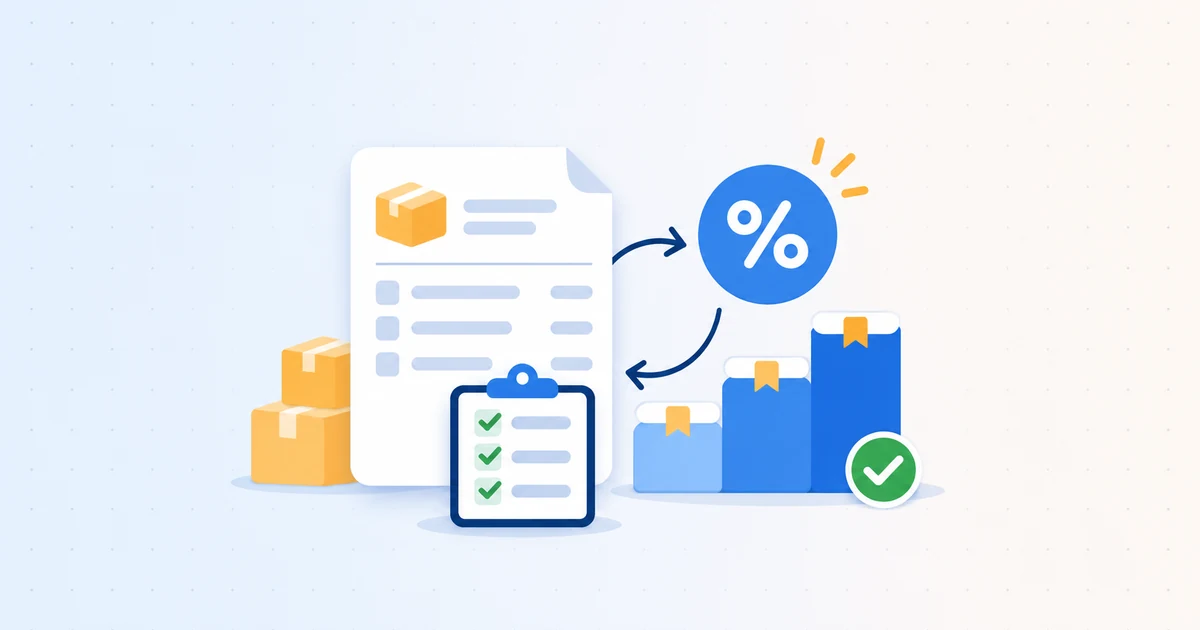
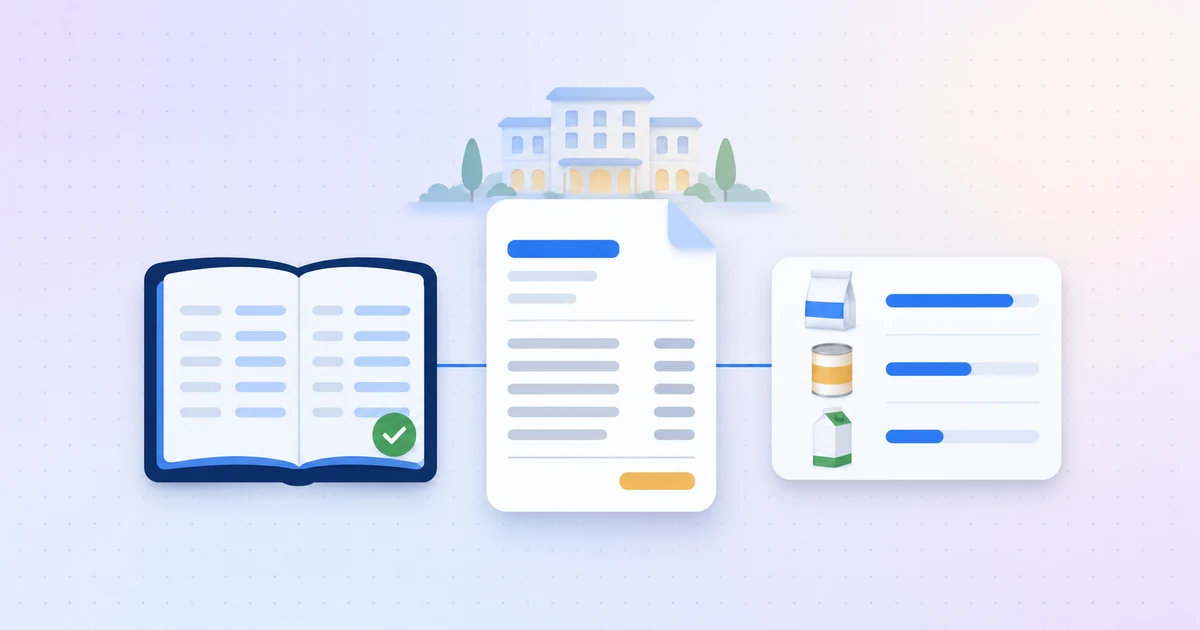
Matching the order to the invoice checks the price: you pay what was agreed. Matching the delivery note to the invoice checks the quantity: you pay for what arrived. An invoice three-way match — order, delivery note, invoice — does both at once.
3-way matching in accounts payable vs in a kitchen
In accounts payable textbooks, three-way matching is tidy: a numbered purchase order, a goods receipt, an invoice quoting both. In restaurants and hotels, it runs into a different reality.
Orders placed by phone or message
Many orders go out through a call to the sales rep, a text or a supplier portal, with no formal purchase order. There is then nothing to compare the invoice with except the chef’s memory. Without a purchase order, your reference price has to live somewhere else: a recorded negotiated price, a dated supplier price list.
Catch weights
Butchers, fishmongers and cheese suppliers deliver by weight: you order six pieces and receive 7.8 kg. The invoiced quantity cannot match the order exactly, so you need a tolerance — and a check of invoiced weight against delivered weight.
Substitutions and shortages
The product you ordered is out of stock, so the supplier sends another one, sometimes dearer, sometimes in a different pack size. Or it sends nothing, but the line stays on the invoice.
Monthly statement invoices
Many suppliers issue one invoice at month end covering every delivery of the month. Tying each line back to the right delivery note becomes detective work, especially when delivery note numbers are not quoted.
The most common discrepancies
| Discrepancy | Example | What reveals it |
|---|---|---|
| More invoiced than delivered | 10 cases invoiced, 8 delivered | Delivery note and invoice |
| Missing item invoiced | Shortage noted on the delivery note, line still on the invoice | Delivery note and invoice |
| Price differs from the agreed price | Unit price invoiced above the negotiated price | Order and invoice |
| Unannounced substitution | One product swapped for another, dearer one | Order, delivery note and invoice |
| Refusal never credited | Item refused on delivery, no credit note received | Delivery note, invoice and credit note |
| Delivery counted twice | The same delivery invoiced on its own, then again on the monthly invoice | Delivery note and invoices |
On its own, each of these gaps is small. That is exactly why they last, as we explained in supplier invoice errors you are quietly paying for.
The method in six steps
1. Set the reference before you order
A numbered purchase order (PO) or, at the very least, a recorded negotiated price for every product you buy regularly. Ask suppliers to quote your PO number on every delivery note and invoice — in France it is even a mandatory invoice mention whenever the buyer has issued one. That number is what makes matching possible.
2. Check on receipt, before signing
Count, weigh what is sold by weight, look at the condition of the goods. Every discrepancy goes on the delivery note before you sign: missing item, different quantity, refused item, substitution. Without a written note, it becomes your word against the driver’s. Photograph or scan the delivery note as soon as it is signed: paper notes get lost between the stores and the office.
3. Tie every delivery note to its invoice
Delivery note number quoted on the invoice, delivery date, billing period, products: anything that links the two documents. For a monthly invoice, tick off every delivery note it covers. The ones left over are still to be invoiced — and, at month end, add up to an accrual for goods received not yet invoiced.
4. Compare line by line, not the total
Invoiced quantity against delivered quantity. Invoiced unit price against ordered or negotiated price. Unit against unit: a price per case cannot be compared with a price per kilo without converting it. A correct total can hide two errors that cancel each other out.
5. Set tolerances
On a catch-weight item, a small weight difference does not call for action; on packaged dry goods, any difference does. Set thresholds by product family and only escalate what goes beyond them. Otherwise, the control buries the team in alerts that are not really alerts.
6. Follow every discrepancy through
A written credit note request, with the line, quantity, price and delivery note reference. Then follow-up: a credit note requested is not a credit note received. For sites in France, e-invoicing adds a formal route: an invoice that does not match the order or the delivery can be refused, with a reason, directly on the approved platform, as the French tax authority’s factsheet (in French) explains.
The double-counting trap
Matching is not only about paying the right amount. As soon as both delivery notes and invoices are recorded as purchases — which happens quickly once documents are centralised — the same delivery is counted twice in your totals. Food cost inflates, site comparisons go wrong, and nobody knows which figure to trust any more. Matching also means deciding which document carries the spend, and counting each delivery once.
Why manual matching does not hold
Take a site receiving around thirty deliveries a week, at roughly fifteen lines each: that is more than 400 lines to match every week, before counting the group’s other sites. Add lost delivery notes, monthly invoices and catch weights, and the control soon shrinks to a spot check — or to the total alone.
What Eqolux automates
Eqolux takes on line-by-line matching, so your teams only deal with the discrepancies.
- Orders at the right price. With Eqolux Procurement, you order from all your suppliers in one catalogue, at your negotiated prices. Every order keeps its history: status, receipt, discrepancies.
- Delivery notes and invoices read line by line. OCR reads delivery notes and invoices (PDFs, scans or photos), creates the product lines and flags any gap with what was ordered. Every line stays linked to its source document.
- One delivery, one amount counted. Reconciliation, available on request, links the invoice, delivery note and purchase order of the same delivery and counts the spend only once. You review suggested matches before accepting them and, if you choose, invoices wait for review before entering your purchasing totals.
- Prices checked at the same time. With price and supplier alerts, every invoiced price is compared with its history and your negotiated prices, line by line.
Key takeaways
- The order says what you asked for, the delivery note what arrived, the invoice what you are charged: only matching them tells you what you really owe.
- Order against invoice checks the price. Delivery note against invoice checks the quantity.
- Note discrepancies on the delivery note before signing, and ask for your PO number on every invoice.
- Compare line by line, with tolerances by product family, and follow every credit note request until it arrives.
- Matching also means counting each delivery only once.
Want to see your delivery notes and invoices matched automatically? Explore Eqolux Procurement or book a demo on your own documents.