Your supplier invoices are digitised, a tool reads them, and accounts payable approves them. Yet one simple question still has no quick answer: how much did you pay per kilo of butter last month, site by site, and which supplier was cheapest? If answering means an export, three open PDFs and a calculator, your invoice OCR is not broken. It was built for a different job.
What invoice OCR does well
OCR — optical character recognition — turns an image or a scanned PDF into text. Invoice capture tools add a layer on top: they locate the fields accounting needs. Supplier, invoice number, date, due date, totals before and after tax, VAT.
To record, approve and pay an invoice, that is exactly what you need. Accounts payable tools such as Yooz do this job well, and there is no reason to take it away from them. But an invoice header tells you how much you owe, not what you bought. Purchasing control happens in the lines.
Why product lines defeat classic OCR
Every supplier has its own layout
Your food wholesaler, fishmonger, wine merchant and cleaning-supplies vendor do not lay out their lines the same way. Columns in a different order, tables without borders, descriptions wrapping onto two lines, subtotals by product family, deposits, delivery charges and discounts slipped in between two products, a table that carries on over the next page. A template-based approach, tuned supplier by supplier, means building one for each of them and reworking it whenever a layout changes. For a group buying from dozens of suppliers, that work never ends.
Text that has been read is not data that is understood
Take the same product from three suppliers:
- “BUTTER UNSLTD 10X1KG”, billed per case;
- “Unsalted butter block 1 kg”, billed per piece;
- “UNSALTED BUTTER 5KG”, billed per kilo.
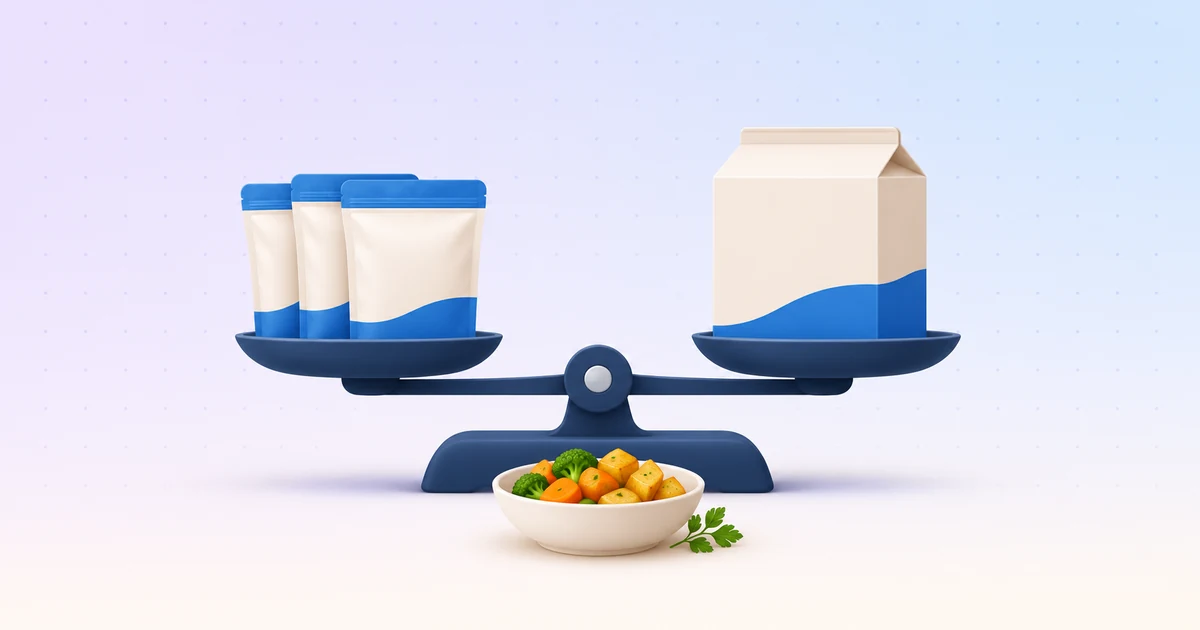
OCR can read every one of those characters without a single mistake. It still does not know that they are the same product, that a case holds ten one-kilo blocks, or that all three prices must be brought back to a price per kilo before they can be compared. Skip that step and your data holds three unrelated products — and the price gap between suppliers stays invisible.
Quantity, unit, price: one column off is enough
On a single line, the quantity can be expressed in cases while the unit price is per kilo. Butchers and fish suppliers often bill a weighed net weight times a price per kilo. Misread one decimal separator, take the quantity from the wrong column, and the computed unit price is ten times too high. The invoice total, meanwhile, is still right, because it is read separately at the bottom of the page. That is exactly why nobody notices.
Credit notes, delivery notes and duplicates
A credit note should reduce spend, not add to it. A delivery note and the invoice that follows it often describe the same goods: processed separately, they count them twice. And the same document received twice, by email and then through another channel, creates a perfect duplicate. Reading text solves none of these cases. You need to understand what the document is and what each line stands for.
What AI line item extraction changes
AI-based invoice data extraction does more than recognise characters: it reads the document the way a buyer would. It finds the table, ties every value to the right column and follows the lines from one page to the next.
At Eqolux, that is where everything starts: line-level extraction from your invoices, credit notes and delivery notes, whether they arrive as PDFs or scans, including multi-page documents — with no template to set up supplier by supplier. In practice, four things change.
1. Every line becomes data
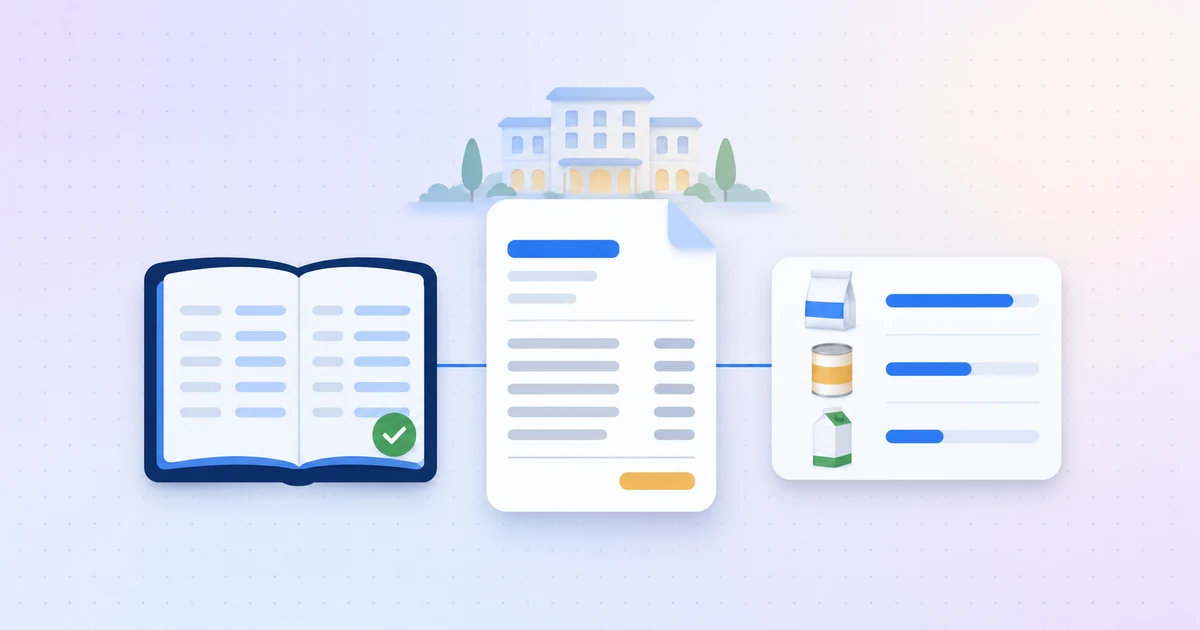
Product, quantity, unit, unit price, supplier: every line is extracted, dated and tied to its supplier. Documents come in through email forwarding, a drop folder, an API or the tools you already use — for instance every night from Yooz, read-only. Your teams keep processing invoices as they do today; Eqolux reads what is inside them.
2. Products and units harmonised across suppliers
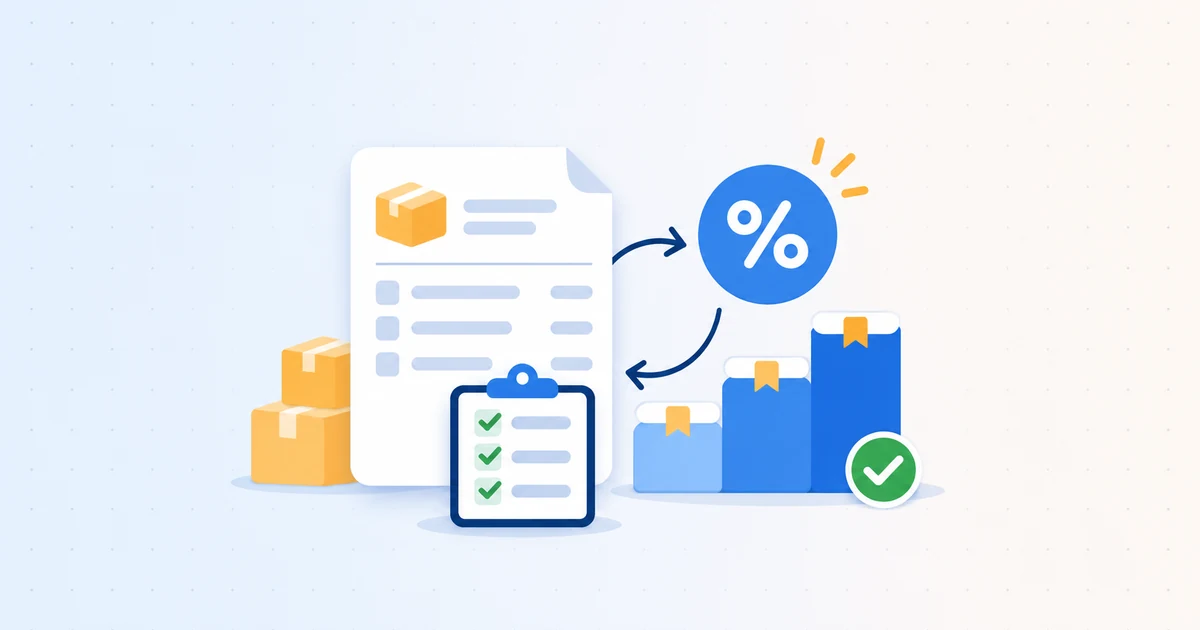
Descriptions are cleaned up, products are matched and filed into a purchase catalogue that builds itself, with consistent categories. Units are converted — kilos, litres, cases — so prices are compared on a fair basis. The three butters above can finally be compared per kilo, supplier by supplier, with the history of every price paid.
3. Every line stays linked to its source PDF
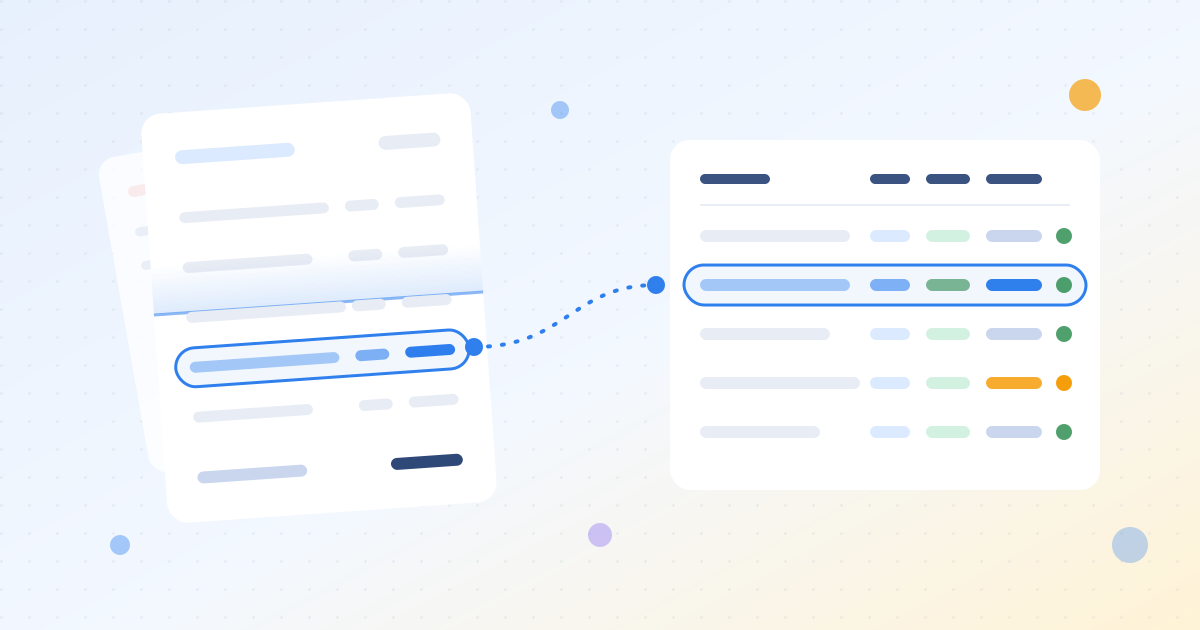
A figure nobody can check soon stops being trusted. Each extracted line keeps its link to the original document: one click, and it appears boxed on the PDF. A badly scanned page can be merged or split, and a PDF bundling several documents can be separated. That is what makes an analysis stand up — in front of a supplier as much as in front of an auditor.
4. Outliers and duplicates caught as documents arrive
No reading is perfect, which is why what happens next matters. The Data Quality Agent detects and fixes outlier prices, inconsistent units and duplicates as documents flow in, and every fix is traceable: what, when and why. Once the lines are reliable, every price paid can be checked against its history and your negotiated prices — the job of price and supplier alerts.
Invoice OCR vs AI line extraction at a glance
| Classic invoice OCR | AI line item extraction | |
|---|---|---|
| Purpose | Record and pay the invoice | Know what was bought, and at what price |
| What is captured | Header and totals: supplier, number, date, amounts, VAT | Every line: product, quantity, unit, unit price |
| Product descriptions | Raw text, as printed | Cleaned up and matched in a catalogue |
| Units | Whatever each supplier uses | Harmonised to compare per kilo or per litre |
| Duplicates and outliers | Found by hand, if at all | Detected and fixed at import |
| Verification | Back to the PDF, by hand | Each line boxed on its source PDF |
What about e-invoicing?
Structured e-invoices, such as the Factur-X format — a human-readable PDF carrying XML data meant for automated processing — already deliver their lines as data. For those invoices, there are no characters left to recognise.
So the need for OCR shrinks for part of your invoices, but it does not disappear: delivery notes, scanned documents and your purchase history still have to be read. More importantly, a structured line still carries each supplier’s own description and unit. Harmonising across suppliers remains the real work.
Choosing invoice OCR software for purchasing: five questions
- Test it on your worst documents. Scanned delivery notes, credit notes, multi-page invoices, suppliers who bill by weight. A demo on spotless invoices proves very little.
- Check the line, not the total. Pick twenty lines at random and compare them with the PDF: product, quantity, unit, price.
- Ask how units are handled. Can you compare the price per kilo of the same product across three suppliers without reworking it in a spreadsheet?
- Trace a figure back to its source. From a number on a dashboard, how many steps does it take to find the line on the original document?
- See what happens when it is wrong. Who spots the error, who fixes it, and is the fix recorded?
Key takeaways
- Classic invoice OCR serves accounting: it captures the header and totals, which tell you how much to pay, not what you bought.
- Product lines require understanding each supplier’s layout, units and descriptions.
- AI line item extraction, combined with harmonisation, a link to the source and anomaly checks, turns invoices into purchasing data you can use.
- E-invoicing reduces the need for OCR on part of your invoices, not the need to harmonise.
Want to see your own invoices read line by line? Explore Eqolux invoice data extraction or book a demo on your own documents.